This article will provide instructions on how to update Market, Submarket or Micromarket values on multiple inventory records at one time.
Instructions
From the Properties Inventory list, complete your property search for all the property records you wish to update.

Check the property records you wish to update.
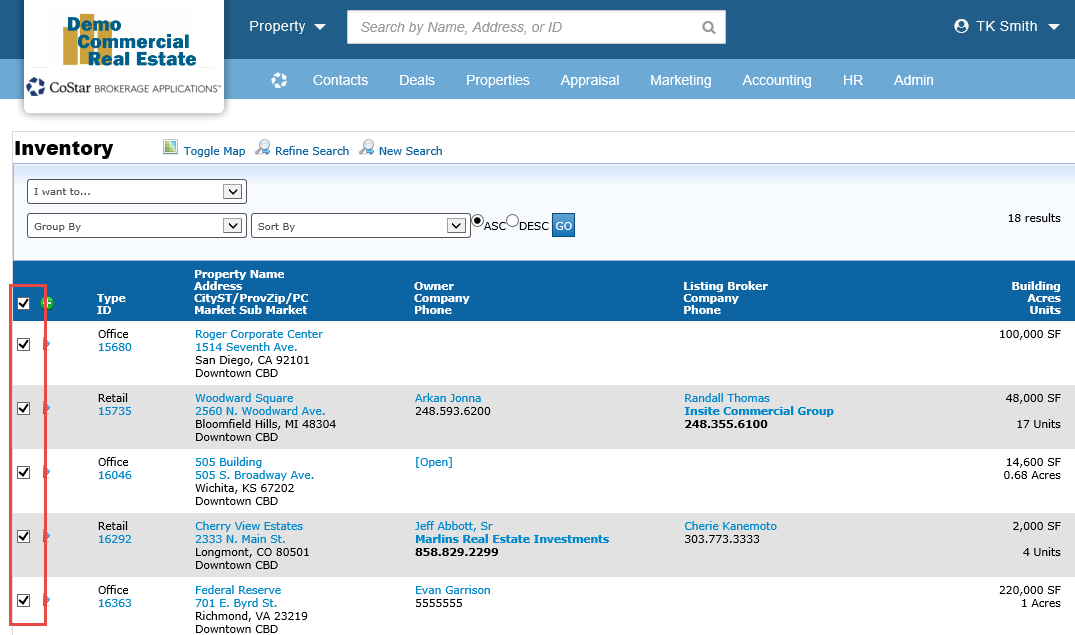
Use the ‘I want to…Update the Selected records’ option at the top of the list.

Select the ‘Update Property’ template when prompted.

Select the fields you wish to update.

Select the new value and click the ‘Update Records’ button.

This will not update Comp or Stat records related to the updated properties. That update will need to be handled on the Comps or Stats list separately.
If you are doing a complete remapping of your entire inventory location values, our client services team can help with this effort. Please contact the help desk to inquire about these services.
Related articles
© 2023 CoStar Group
Attachments:
 image-20200108-193537.png (image/png)
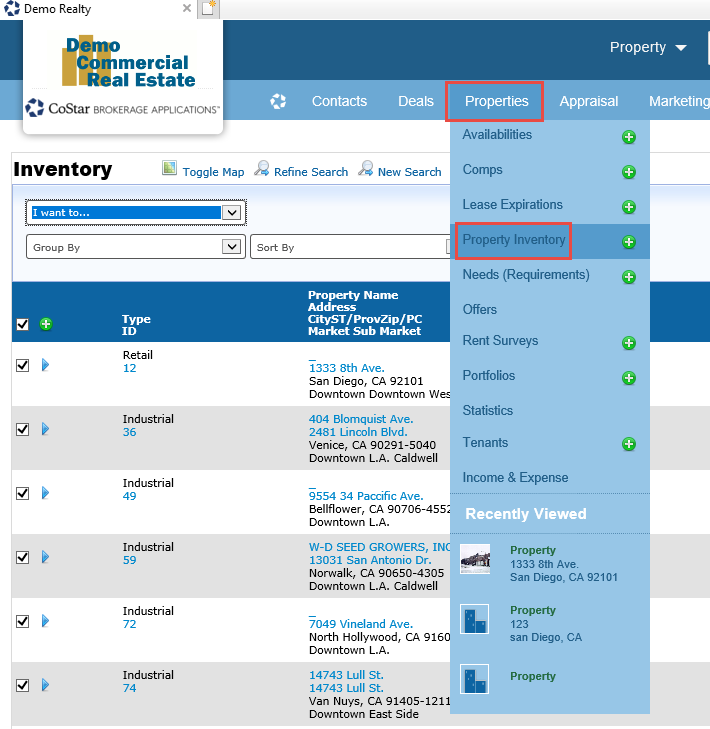 image-20200108-193552.png (image/png)
image-20200108-193602.png (image/png)
image-20200108-193614.png (image/png)
image-20200108-193623.png (image/png)
image-20200108-193643.png (image/png)
image-20200108-193710.png (image/png)
image-20200108-193552.png (image/png)
image-20200108-193602.png (image/png)
image-20200108-193614.png (image/png)
image-20200108-193623.png (image/png)
image-20200108-193643.png (image/png)
image-20200108-193710.png (image/png)