If you see a contact highlighted in red on the Split Worksheet, this typically means the contact was removed from the ‘Contacts’ tab after that person was already added to the ‘Fee Splits’.
Resolution
Edit he deal and add that contact back to the ‘Contacts’ tab and save the record. When you go back to the ‘Fee Splits’ the contact should no longer be highlighted in red.
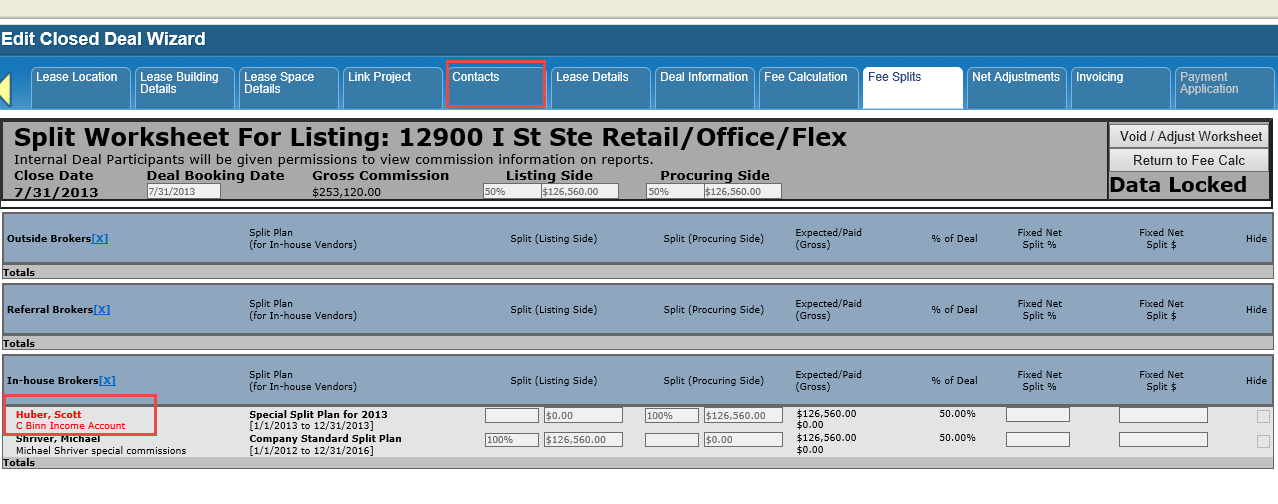
It is important that the same contact initially used is added back to the Contacts tab.
© 2023 CoStar Group

