Released: January 2020
Summary
A new feature has been added to the system reporting tool that displays the maximum number of records that a report will return.
NOTE: The report will still run if you selected more records than the maximum allowed. However, it will only display up to the maximum number of records for that report.
Maximum Record Count location
Report Wizards
The ‘Max. # of records’ will display in all ‘Report Wizards’

Widgets
When running reports from a Widget. After selecting the desired report the ‘Max. # of records:’ will display directly under the report name as reference.

Output Report as
When reporting from a widget. The ‘Output Report as:’ option is now available. You can select the desired output for that report. When selected the report will render in the selected format (Excel, PDF, Web Page or Word).

If you have any questions or would like to schedule a detailed training on this feature, please contact [email protected].
© 2023 CoStar Group
Attachments:
 image-20200123-224004.png (image/png)
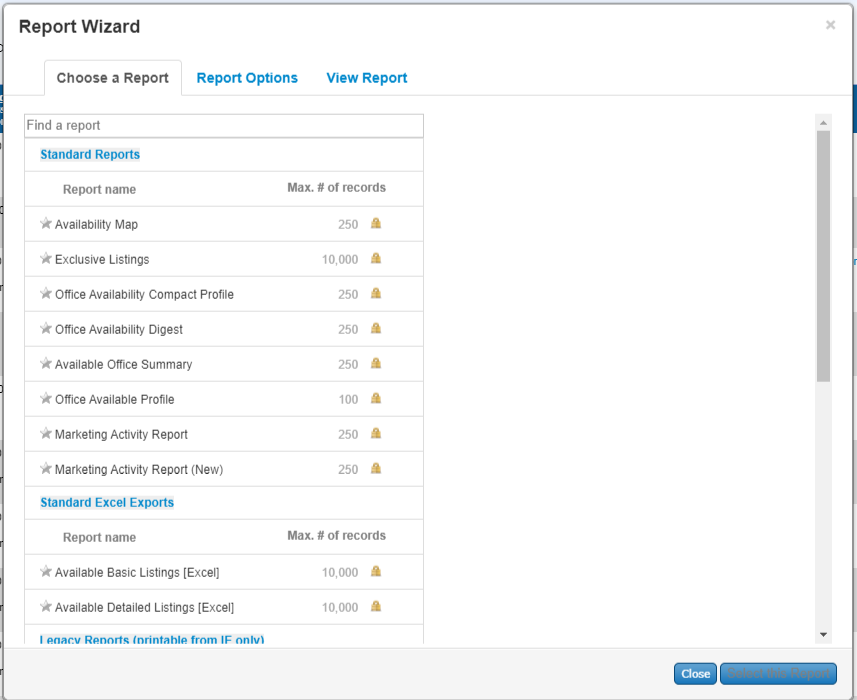 image-20200123-224034.png (image/png)
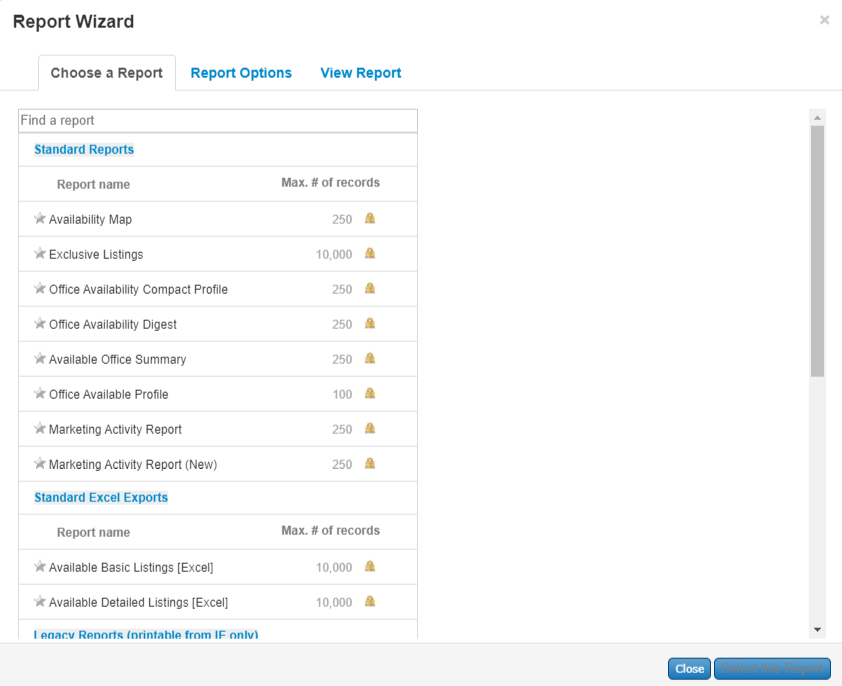 image-20200123-224125.png (image/png)
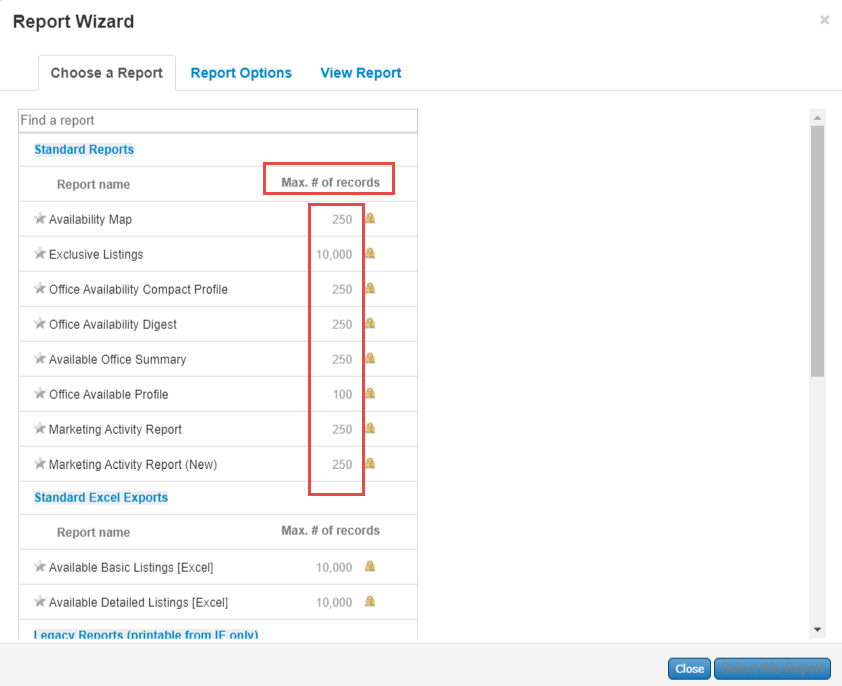 image-20200123-224358.png (image/png)
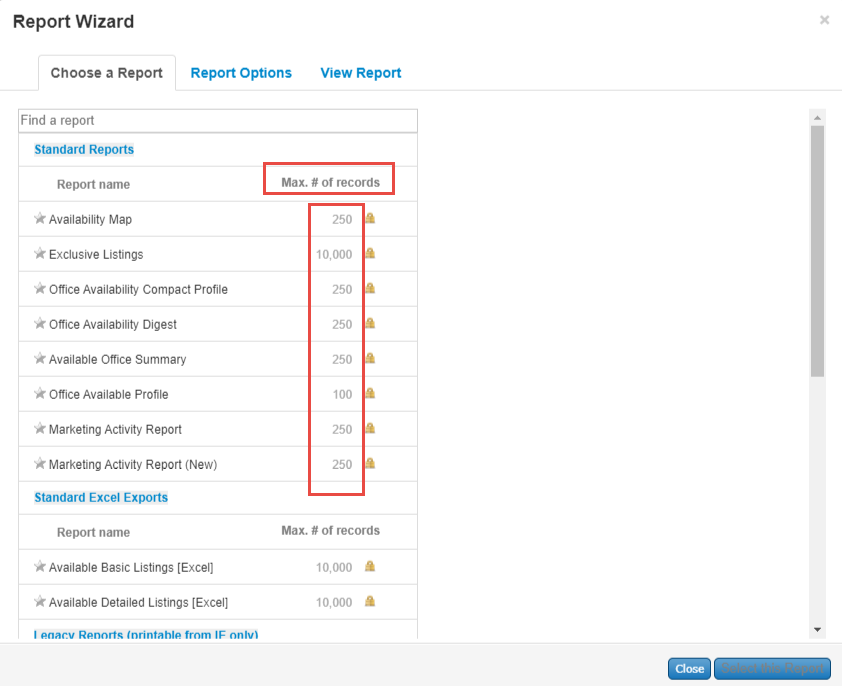 image-20200123-224407.png (image/png)
image-20200123-224654.png (image/png)
image-20200123-224407.png (image/png)
image-20200123-224654.png (image/png)