The following is an article that describes a suggested list of widgets to start with as a Broker. When adding widgets, the majority of these widgets can be found under the Broker category. Not all widgets may be available within your installation: restrictions may include permissions set by your administrator or an installation where your organization may have chosen not to include all the modules available.
Adding Widgets
The widgets shown on your individual instance is customizable by you. Turn on (or off) the widgets that are of interest to you, and ‘drag and drop’ them in the order that you choose. For additional information on how to add and adjust widgets…click here.
Contact Management (CRM)
Many Brokers choose to use Brokerage Applications to drive their daily activities: manage contacts, appointments, set reminders, and make notes. These widgets will give you insight into your day to help drive productivity.
Client Relationships: Quickly search through your relationships by client name

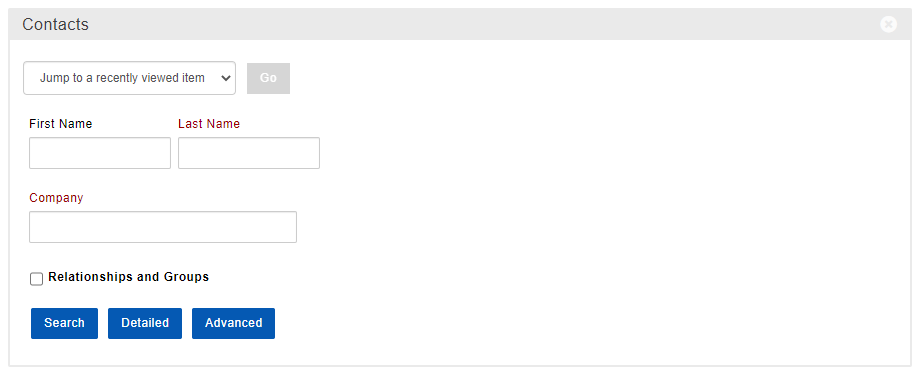
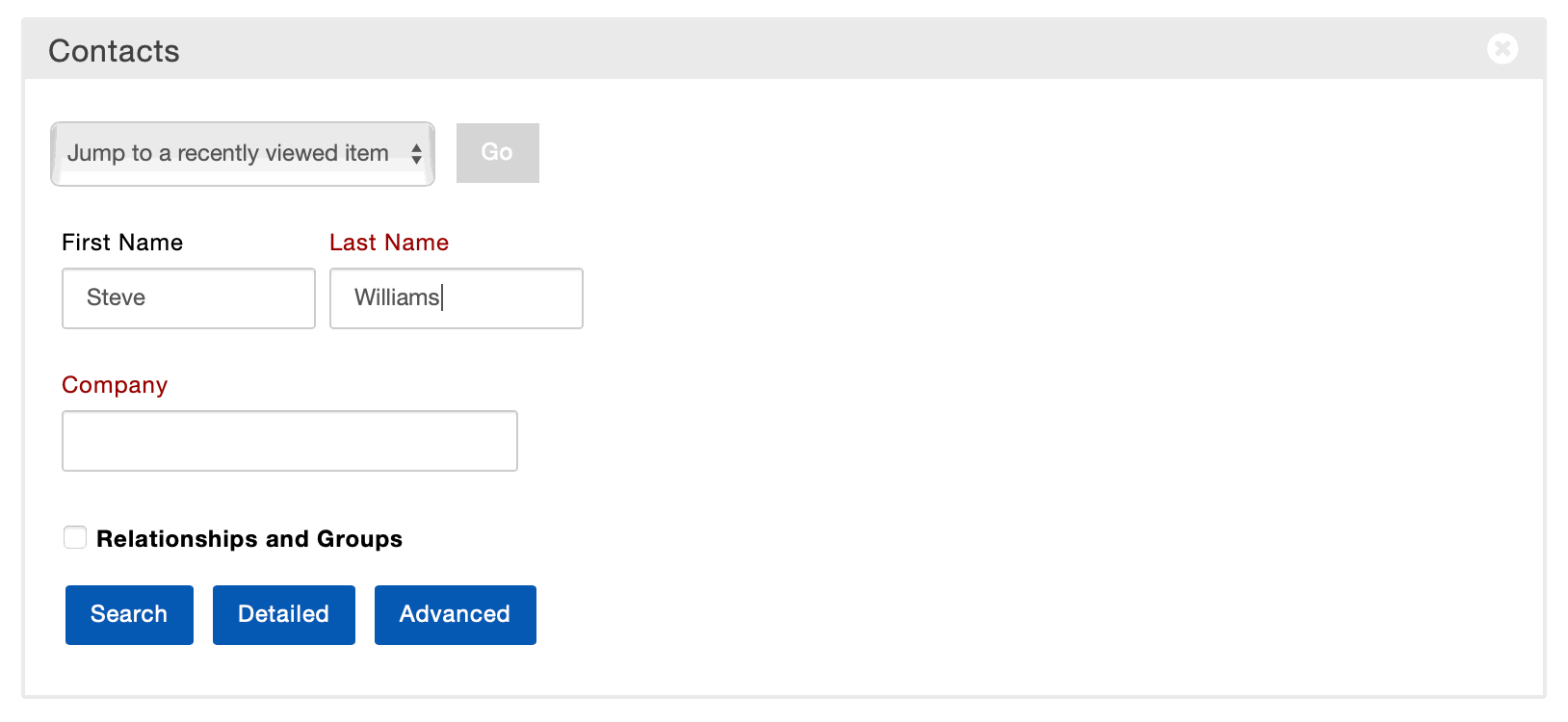
Contacts: Quickly jump to a recently viewed Contact, or start a search
Lease Options: See the top 10 up and coming Lease Options, the data reads from Closed Deals. The widget stop light logic is as follows:
IF Lease Option Notice Date is past due THEN Red Light
IF Lease Option Notice Date is within 3 months, THEN Yellow
IF Lease Option Notice Date is greater than 3 months out, THEN Green

My Callbacks: List view of Calls to make: by Date, Contact, Company and Phone

My Tasks: List view of Tasks: Next 25 by Date, Contact, Company and Phone

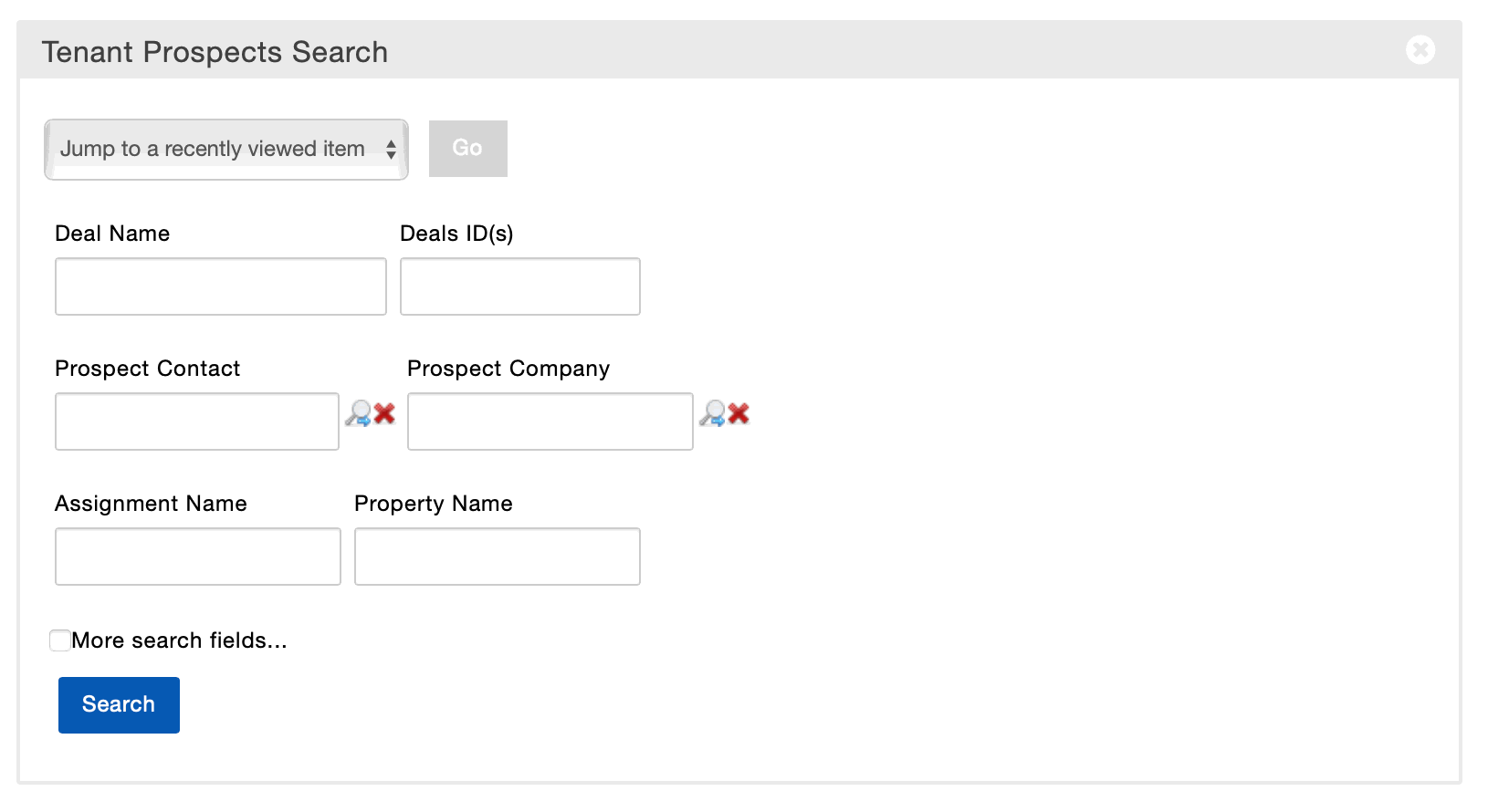
Tenant Prospects: Jump to a recently viewed Prospect or start a search

Today: See a time schedule of the day for your Tasks

Deal Activity
These widgets were created to give you insight into Deal level progress.
Commissions Paid: Reflects 10 most recently paid invoices

CTS Receivables: Choose from a variety of reports to dive into receivables information. Click here to (LEARN MORE) about what reports are available from this widget.

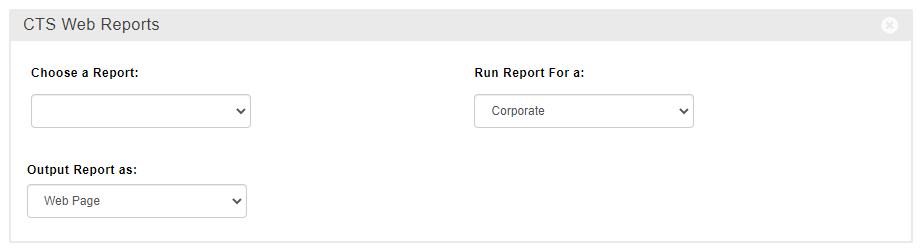
CTS Web Reports: Run a variety of reports directly from your main dashboard. Click here to (LEARN MORE) about what reports are available from this widget.
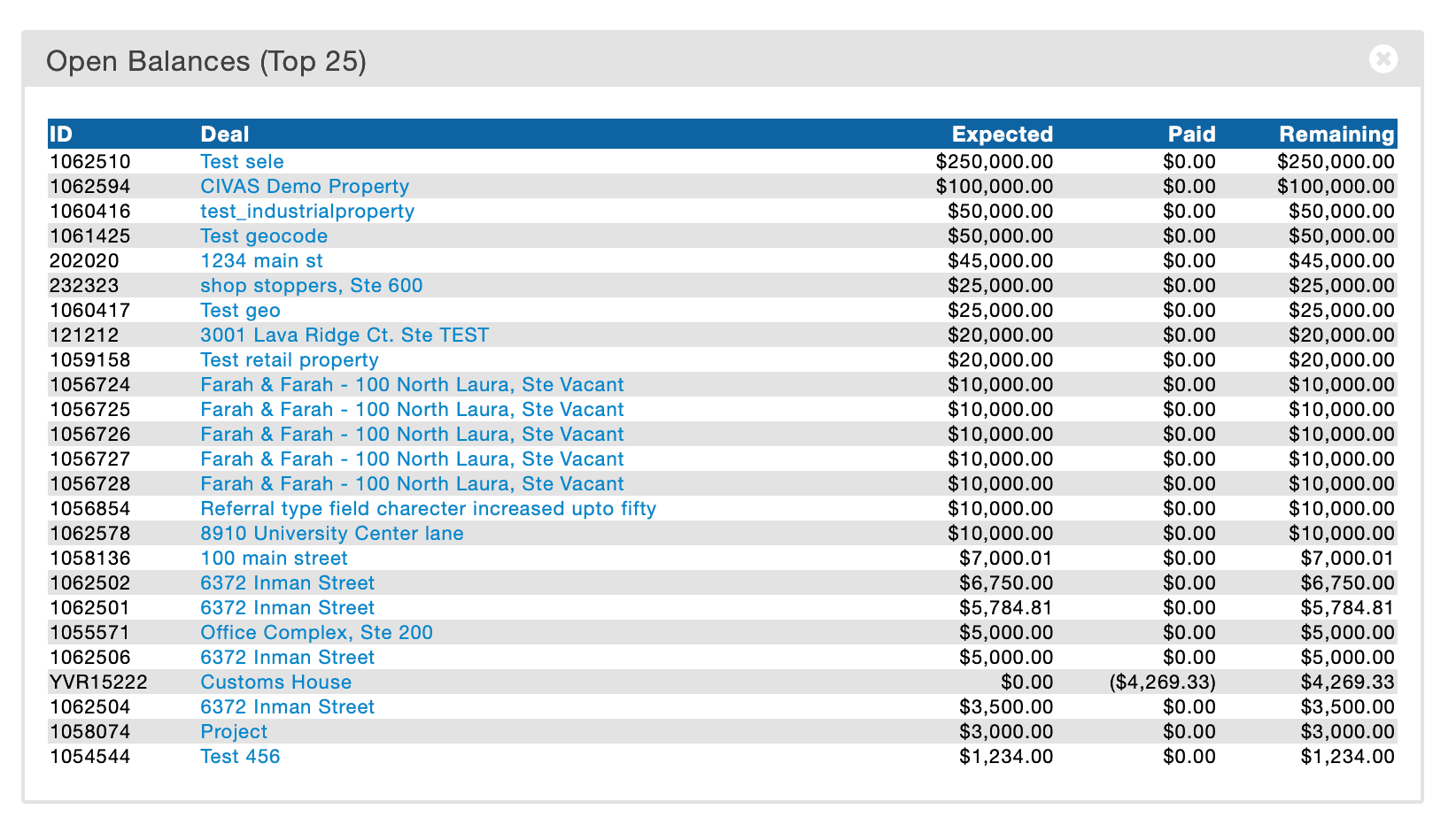
Open Balances: Reflects anticipated revenue: expected, paid, and balance due

Offers: Search through your pending offers

Sales Tracking
This group of widgets can quickly give you a rolled up view of your performance and revenue, either against the goals your have set for yourself or in comparison with your peers.
Broker Statistics: See your personal deal details for Closed Deals.

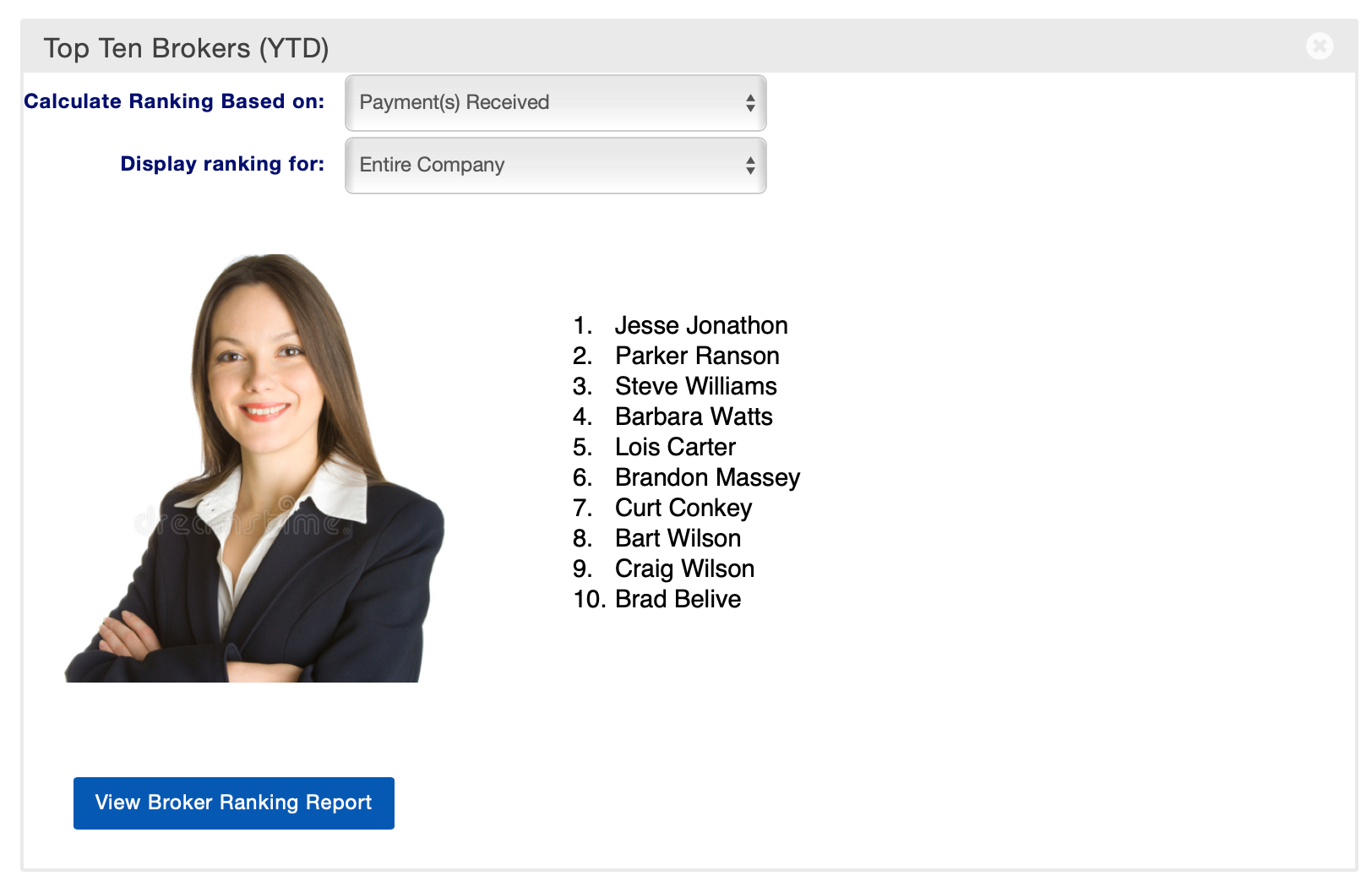
Top 10 Brokers (YTD): Top 10 Broker list that you can categorize by various statistics and by location.
My Pipeline : List view of Pipeline deals including deal name, status, Est Close Date, Transaction Value, Broker Est. Gross and Probability. For additional details on this widget click here.

Revenue Projection: If you are taking advantage of our pipeline details, you can see your estimated projections.

© 2023 CoStar Group
Attachments:
 image-20220309-195335.png (image/png)
 image-20220309-195545.png (image/png)
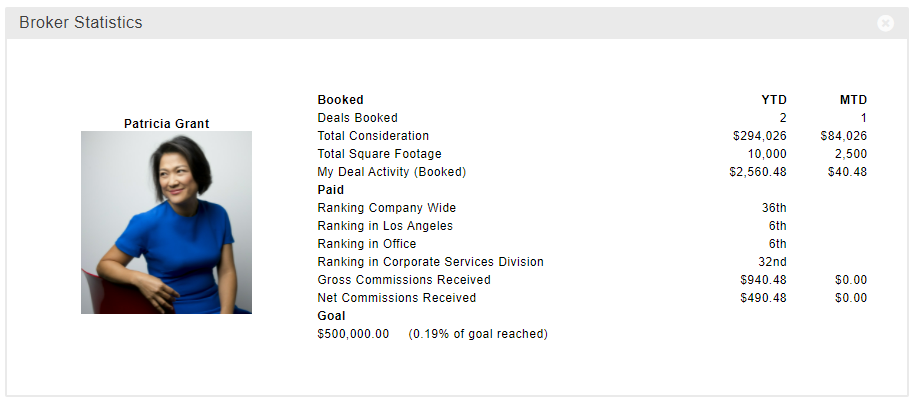 image-20220309-201432.png (image/png)
 My Callbacks SS.gif (image/gif)
 Contact SS.gif (image/gif)
 Offers SS.gif (image/gif)
 Client Relationships SS.gif (image/gif)
 Today SS.gif (image/gif)
 Lease Options SS.gif (image/gif)
 Tenant Prospect SS.gif (image/gif)
 Broker Stats SS.gif (image/gif)
 Commissions Paid SS.gif (image/gif)
 Revenue Projection SS.gif (image/gif)
 CTS Web Report SS.gif (image/gif)
 Broker Stats SS.gif (image/gif)
 Open Balances SS.gif (image/gif)
 Top Ten SS.gif (image/gif)
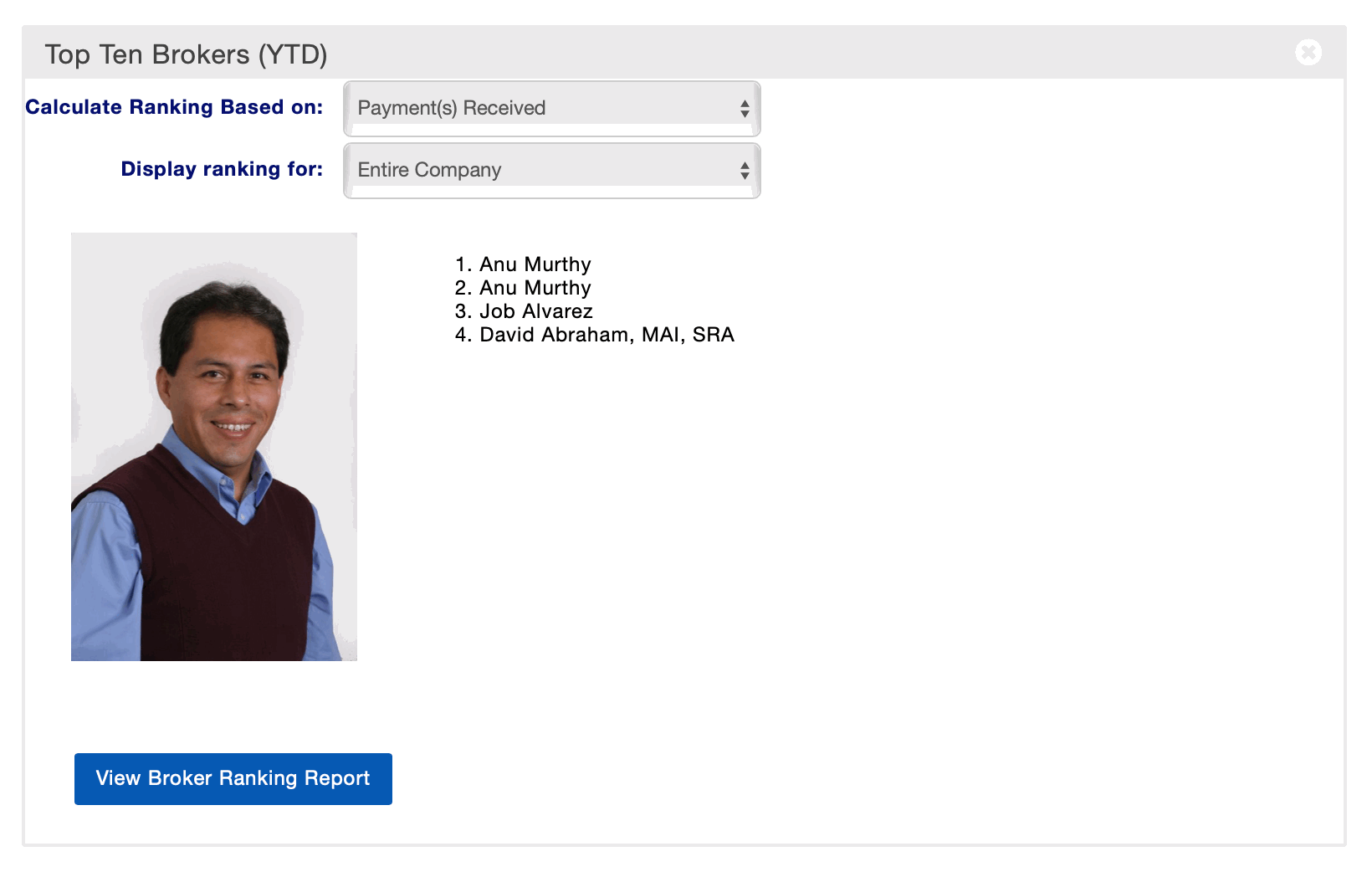 image-20220311-164110.png (image/png)
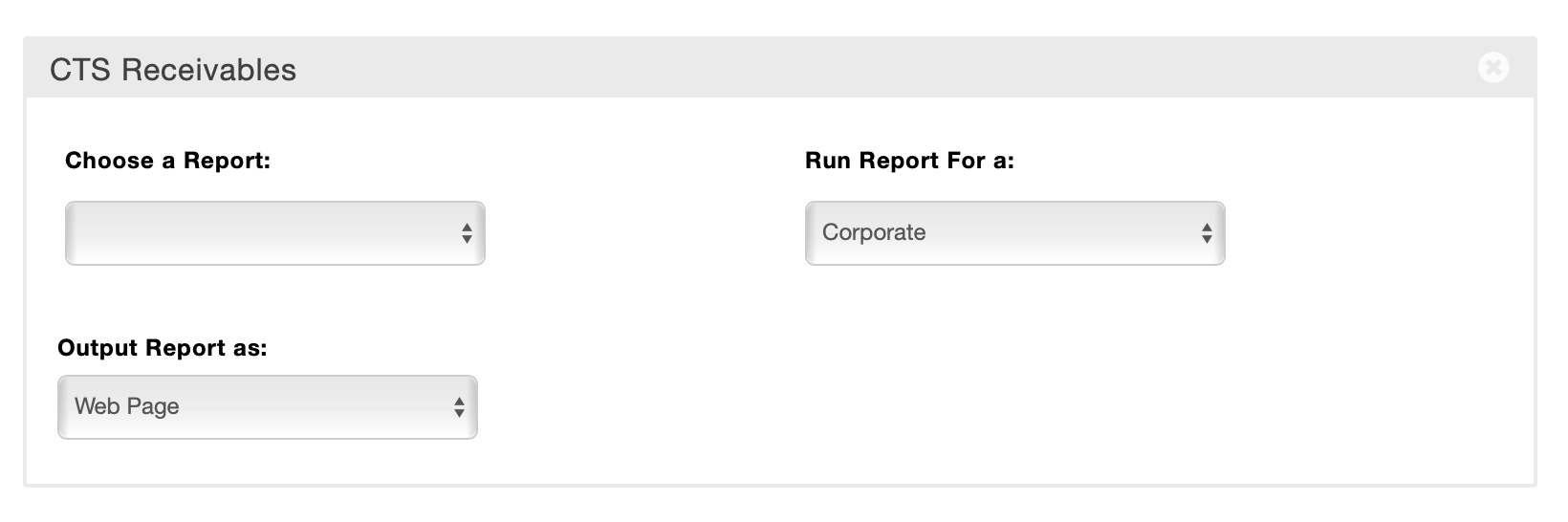 image-20220325-222603.png (image/png)
image-20220325-222635.png (image/png)
image-20220325-222909.png (image/png)
image-20220420-190215.png (image/png)
image-20220420-190254.png (image/png)
image-20220420-190329.png (image/png)
image-20220325-222603.png (image/png)
image-20220325-222635.png (image/png)
image-20220325-222909.png (image/png)
image-20220420-190215.png (image/png)
image-20220420-190254.png (image/png)
image-20220420-190329.png (image/png)
 image-20220420-190402.png (image/png)
image-20220420-190450.png (image/png)
image-20220420-190619.png (image/png)
image-20220420-190714.png (image/png)
image-20220420-190757.png (image/png)
image-20220420-190818.png (image/png)
image-20220420-190837.png (image/png)
image-20220420-190859.png (image/png)
image-20220420-190941.png (image/png)
image-20220727-154359.png (image/png)
image-20220728-160015.png (image/png)
image-20220420-190402.png (image/png)
image-20220420-190450.png (image/png)
image-20220420-190619.png (image/png)
image-20220420-190714.png (image/png)
image-20220420-190757.png (image/png)
image-20220420-190818.png (image/png)
image-20220420-190837.png (image/png)
image-20220420-190859.png (image/png)
image-20220420-190941.png (image/png)
image-20220727-154359.png (image/png)
image-20220728-160015.png (image/png)