Password Reset
If you forgot your password or would like to reset your password, click here to (LEARN MORE).

System Navigation
Main Navigation Menu Options
The main navigation bar can be found in the light blue bar at the top of the screen when you log in.

CoStar Logo, Contacts, Properties, Marketing, Accounting, HR and Admin are the main navigation options. To learn more about each main menu options, click to (LEARN MORE).
Main Navigation Search Option
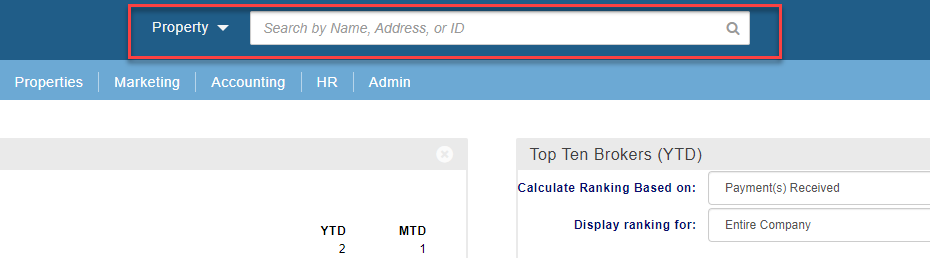
Above the main navigation there is a Search Option. This can be used if you are looking for a specific Property, Contact, Company, Deal, or Assignment. To learn more about how to use this search option, click to (LEARN MORE).
User Settings Menu
In the top right-hand corner is the User Setting Menu option. You can click on the down arrow to expand the menu options. To learn more about each of these options, click to (LEARN MORE).


Widgets
What are widgets
A widget is an element of a graphical user interface (GUI) that displays information or provides a specific way for you to interact with the application. You can add, remove and organize widgets on the main system screen.
How to add, remove and organize widgets
Every user has the ability to customize what widgets are displayed on the screen and where they are located on the screen. Once organized, the widgets will remain in the same location each time you log in. To see how to customize your dashboard widgets click (LEARN MORE).

Broker widgets
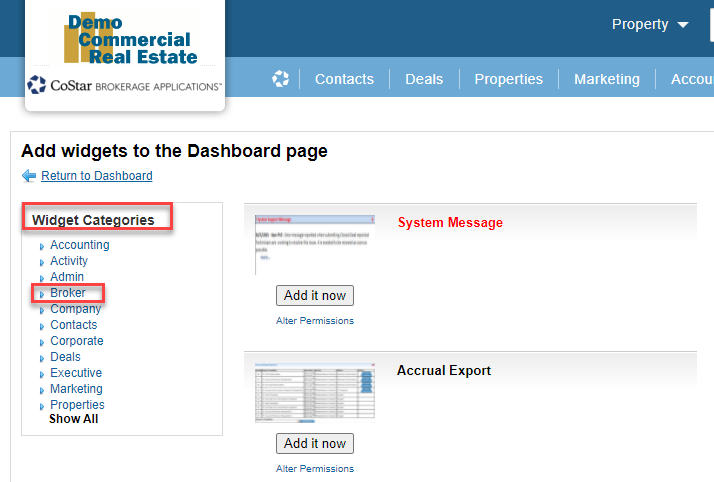
Widgets are categorized by the type of user they would be most useful for. To learn more about the widgets that are categorized for brokers click (LEARN MORE).
Related articles
© 2023 CoStar Group
Attachments:
 image-20220309-211429.png (image/png)
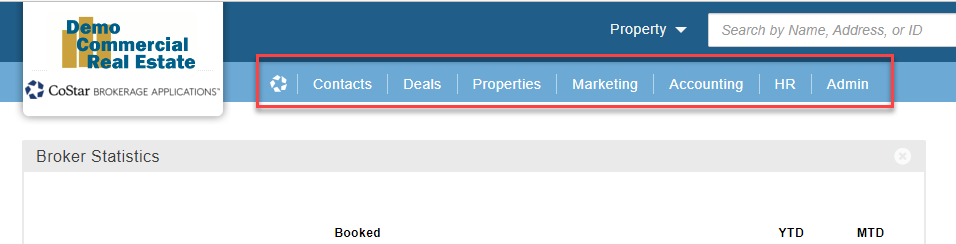 image-20220309-212444.png (image/png)
 image-20220309-212503.png (image/png)
 image-20220309-212509.png (image/png)
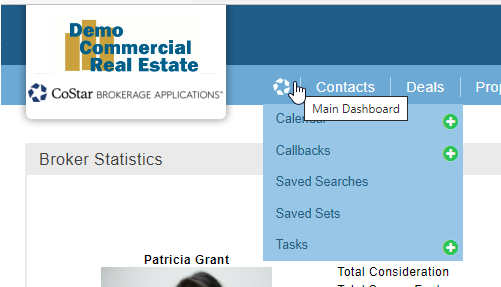 image-20220309-213518.png (image/png)
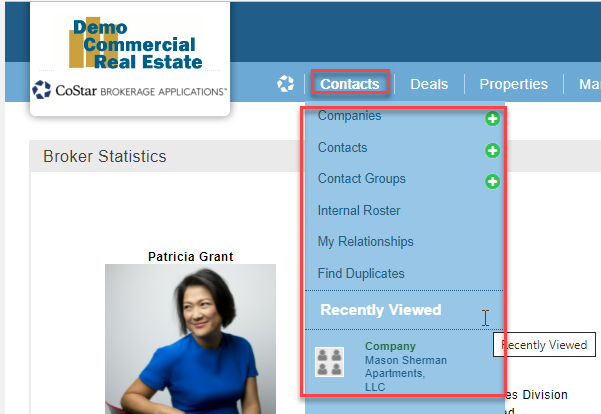 image-20220309-214522.png (image/png)
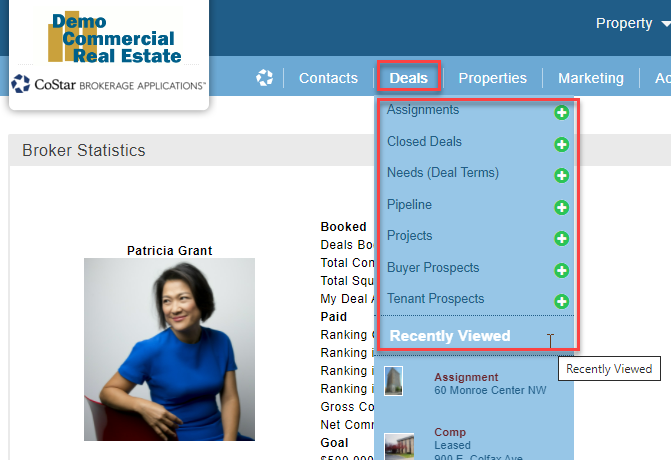 image-20220309-233819.png (image/png)
 image-20220309-234031.png (image/png)
image-20220309-234228.png (image/png)
image-20220309-234305.png (image/png)
image-20220309-234818.png (image/png)
image-20220309-235047.png (image/png)
image-20200108-171704.png (image/png)
image-20220309-234031.png (image/png)
image-20220309-234228.png (image/png)
image-20220309-234305.png (image/png)
image-20220309-234818.png (image/png)
image-20220309-235047.png (image/png)
image-20200108-171704.png (image/png)